Daily Reports
View automatically generated summaries of each day's bird activity — species seen, detection counts, peak activity times, and more.
Browsing Reports
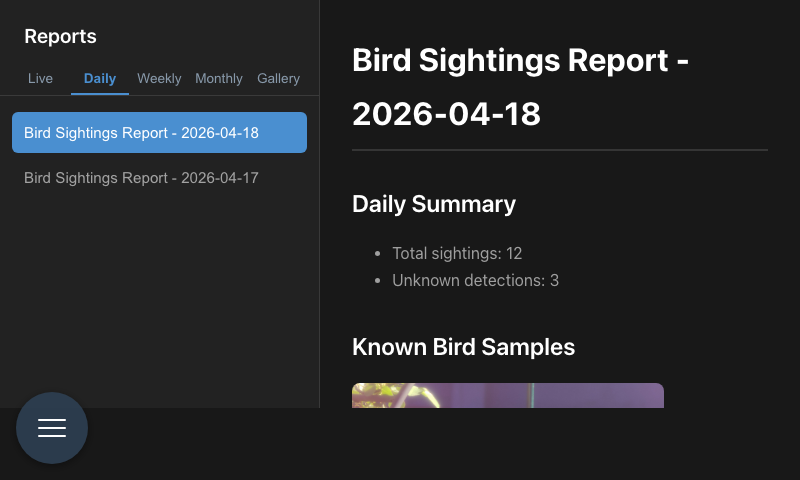
Reports are listed in the left sidebar, newest first. Tap any date to load that day's report.
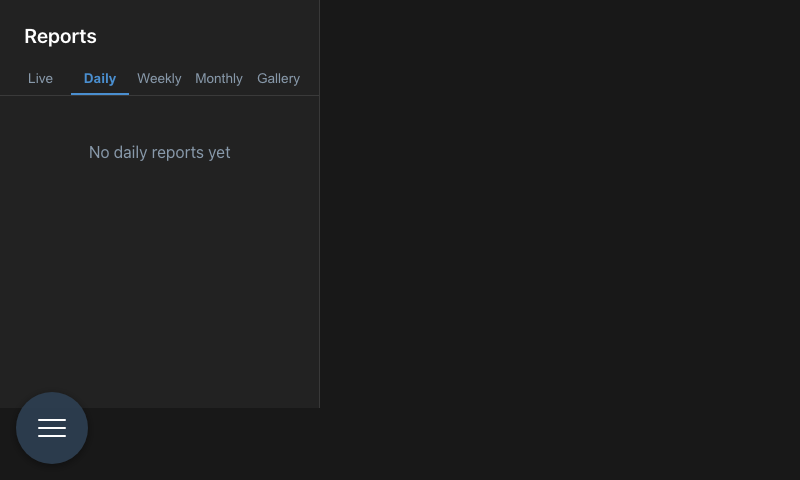
If no birds have been detected yet, the view shows an empty state prompt.
What's in a Report
Each daily report includes:
- Species summary — which birds were detected and how many times
- Activity timeline — a chart showing detection frequency throughout the day
- Peak hour — the busiest time at the feeder
- New and rare visitors — species that triggered rarity alerts
- Total detections — count for the day
Reports are generated automatically at the end of each day. You can also find them in ~/photos/reports/ on the Pi if you want to export or archive them.
Astro Tab
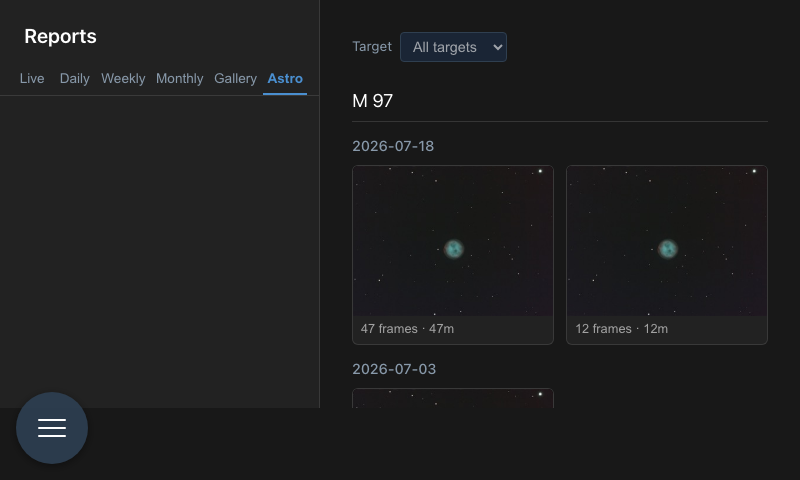
Once you have stacked at least one astrophoto, an Astro tab appears alongside the report tabs. It lists every finished stack grouped by target and then by date, newest night first, as PNG thumbnails — tap one to open the full FITS in the viewer with zoom, pan, histogram and stretch controls. When there is more than one target, a filter dropdown narrows the list.
The tab stays hidden on a PiPiece that has never stacked anything. See Astro Live Stacking for how the stacks get there.
Navigation
Access Reports from the main navigation menu. You can also link directly to a specific date by navigating to /reports/YYYY-MM-DD.